Back to Category
Export or Delete Your Data
Export your messages
- Go to Settings by clicking the gear icon in the sidebar.
-
In the Profile tab, find Your data and click Download CSV.
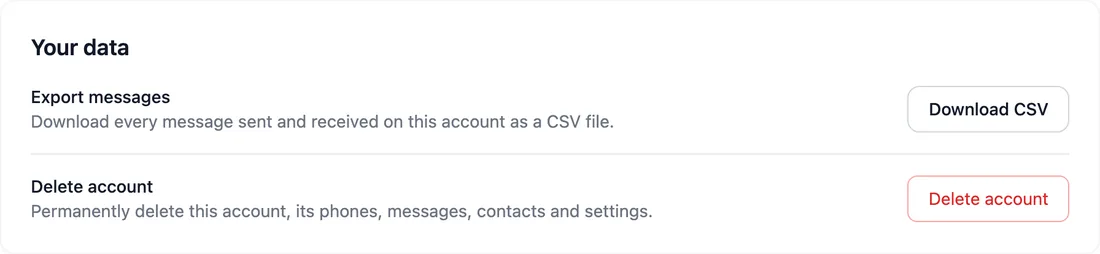
- The file lists every message sent and received on your account, oldest first, with its date, direction, phone, contact and status. It opens in any spreadsheet app.
Delete your account
- In Settings → Profile, under Your data, click Delete account. In the app, go to Settings → Delete account, which opens the same page.
-
Read what will be removed, and download your messages first if you want to keep them.
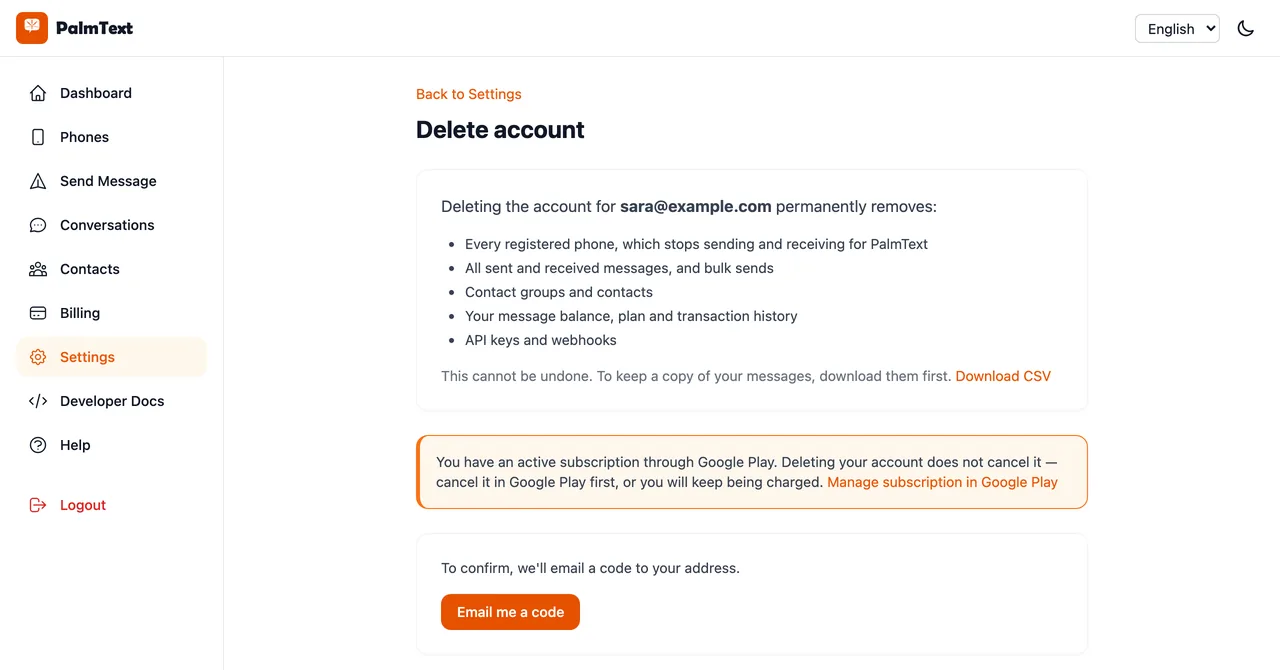
- Click Email me a code, then enter the 6-digit code we send to your address.
- Click Delete my account permanently. Your account and all of its data are deleted at once, and you are signed out.
Note: Deleting your account does not cancel a subscription bought through Google Play. Cancel it in Google Play → Payments & subscriptions → Subscriptions first, or you will keep being charged.